
The free word processor that opens your Word files
For letters, essays, requests and resumes. Open the ones people send you in Word, turn them into PDFs and sign them with your certificate. Free, no account.
Molino Docs comes in Molino Suite, with the other three sails.
Molino is for Windows 10 and 11 computers. Linux and Mac will come later. If you’re not at your computer right now, send yourself the link and download it there.
What for
For what you write every day
-
At home
The request to the council
Open the template, explain what you’re asking for and sign it with your certificate. Molino tells you whether it’s ready to submit.
-
At school
The end-of-year project
Headings, a table of contents, footnotes and page numbers, with the spell checker. And at the end, a PDF to hand it in.
-
In the building
The letter for all the neighbors
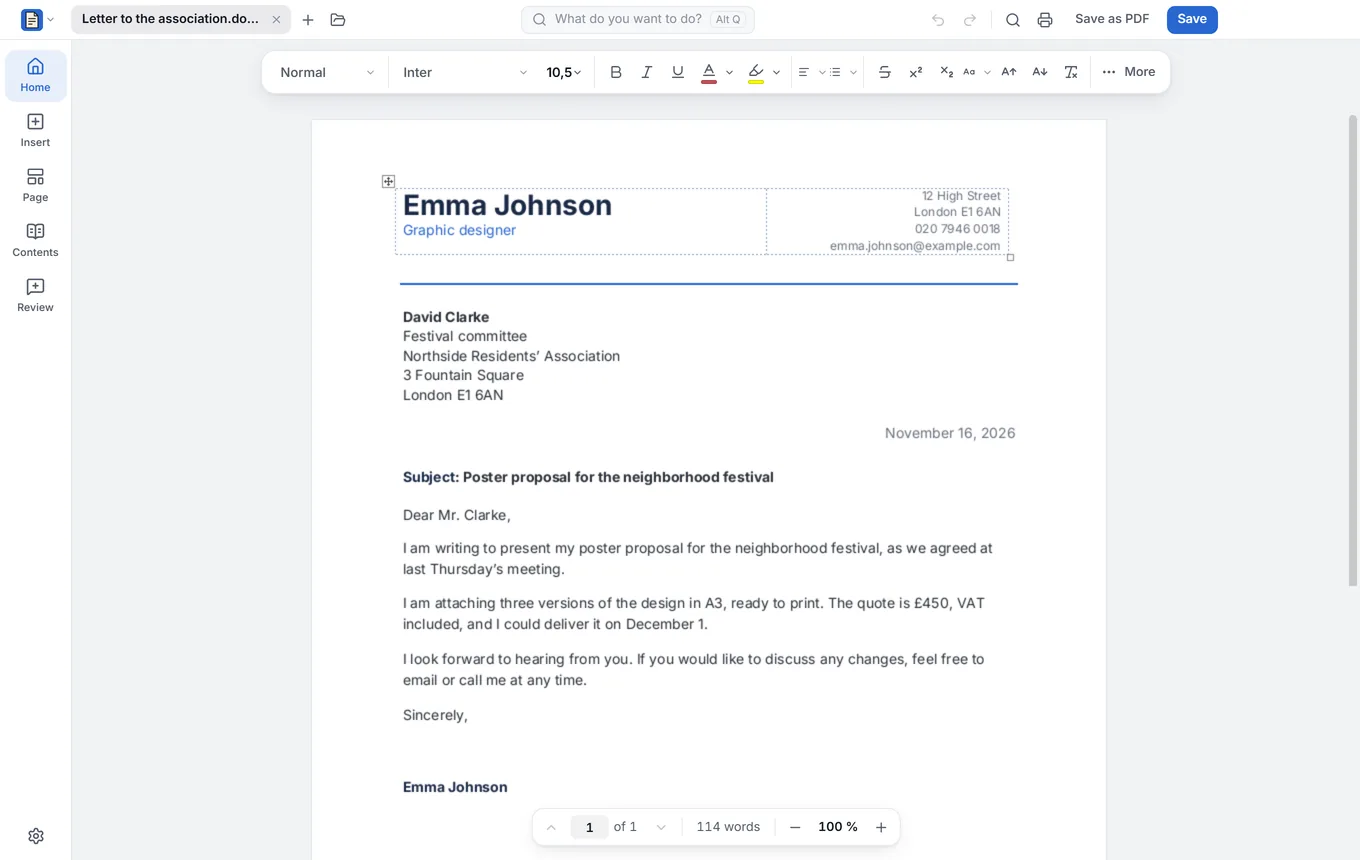
Write it once and Molino makes one for each neighbor, with their name and their flat. All together or one per person.
What it does
Everything you expect, without the fuss
Write and make it look good
Headings, lists, tables and images, so everything looks tidy.
Open what people send you
Word documents and open formats, saved back the same way.
Spell checker
Including Spanish from Spain and 19 other countries, with your own words.
Review with other people
Comments, track changes and comparing two versions.
Templates to get started
Letter, resume, request, authorization, complaint, agreement and more.
To PDF, and signed
Turn it into a PDF in one click, and sign it with your digital certificate.
FAQ
What people usually ask about Molino Docs
Does it open the Word documents people send me?
Yes: open them, change them and save them the same way, ready to send back. And turn them into PDFs in one click.
Which templates does it come with?
Letter, resume, request, authorization, complaint, cancellation and service agreement. Open one, fill in your details and you’re done.
Can I prepare and sign a request for a government website?
Yes, without leaving Molino. Write it in Docs with the request template and click Sign…: it opens in Molino PDF so you can sign it with your digital certificate. Then Check for an official submission tells you whether it’s ready to submit or what’s missing and how to fix it. It’s a basic check: also look at what each office asks for.
Fact sheet, for the curious
- Formats
- Opens and saves .docx and .odt; saves as PDF and PDF/A
- Mail merge
- From a list of recipients (CSV): all in one document, one per recipient (Word or PDF) or printed
- Spell checker
- Spanish from Spain and 19 other varieties, with a personal dictionary
- Sign…
- Saves a PDF/A or PDF copy and signs it in Molino PDF
- Charts
- With editable data
- AI
- Optional and on your computer: drafts, continues, rewrites, translates and summarizes
- System
- Windows 10 and 11, 64-bit; comes in Molino Suite
- License
- AGPL-3.0; editing engine based on ONLYOFFICE

Your next document, free
Download Molino and write your first letter. It comes with the other three sails: Sheets, Slides and PDF.
Download Molino free